
What a climate control app does
Most major air conditioner brands offer an app that connects the indoor unit to your home wifi. Once connected, you can switch the system on or off, change the mode, temperature and fan speed, and set schedules, all from your phone. Some also work with voice assistants and show energy use.
It means you can cool the bedroom before bed, warm the living room before you get home on a winter evening, or switch it off when you realise you left it running.
Built-in wifi or an add-on module
Newer split systems often have wifi built in. Older or more basic models may need a separate wifi module from the manufacturer, which plugs into the indoor unit. Third-party controllers that use infrared, like a universal remote, are another option and work with many brands.
Check your model number before buying anything. It's usually on a sticker on the side of the indoor unit.
Common setup problems
- Wrong wifi band. Most air conditioner modules only connect to 2.4 GHz wifi. Routers that combine bands can cause pairing to fail.
- Weak signal. Indoor units often sit high on an outside wall, sometimes at the far end of the house from the router.
- Account confusion. Some brands have several apps. Make sure you use the correct one for your model.
- Pairing mode. The unit has to be put into pairing mode, often with a specific remote button sequence. The manual explains how.
Useful features to set up
- Schedules that turn the system on before you wake or get home.
- An automatic off time so it doesn't run all night.
- Temperature limits so nobody sets it to 16 degrees in summer.
- Alerts if the system is left running when everyone's out.
- Grouping several units into one control screen.
Running costs
Small changes in set temperature make a difference to running costs. Many energy guides suggest setting cooling around 24 to 26 degrees and heating around 18 to 20 degrees. Schedules help too, so the system isn't running in empty rooms. Pairing your split system with a ceiling fan lets you set the thermostat a little higher in summer while feeling just as comfortable.
Multiple units
Homes with a split system in the living room and others in bedrooms can control them all from one app if they're the same brand. Mixed brands usually mean separate apps, though some smart home platforms can bring them together.
The electrical side
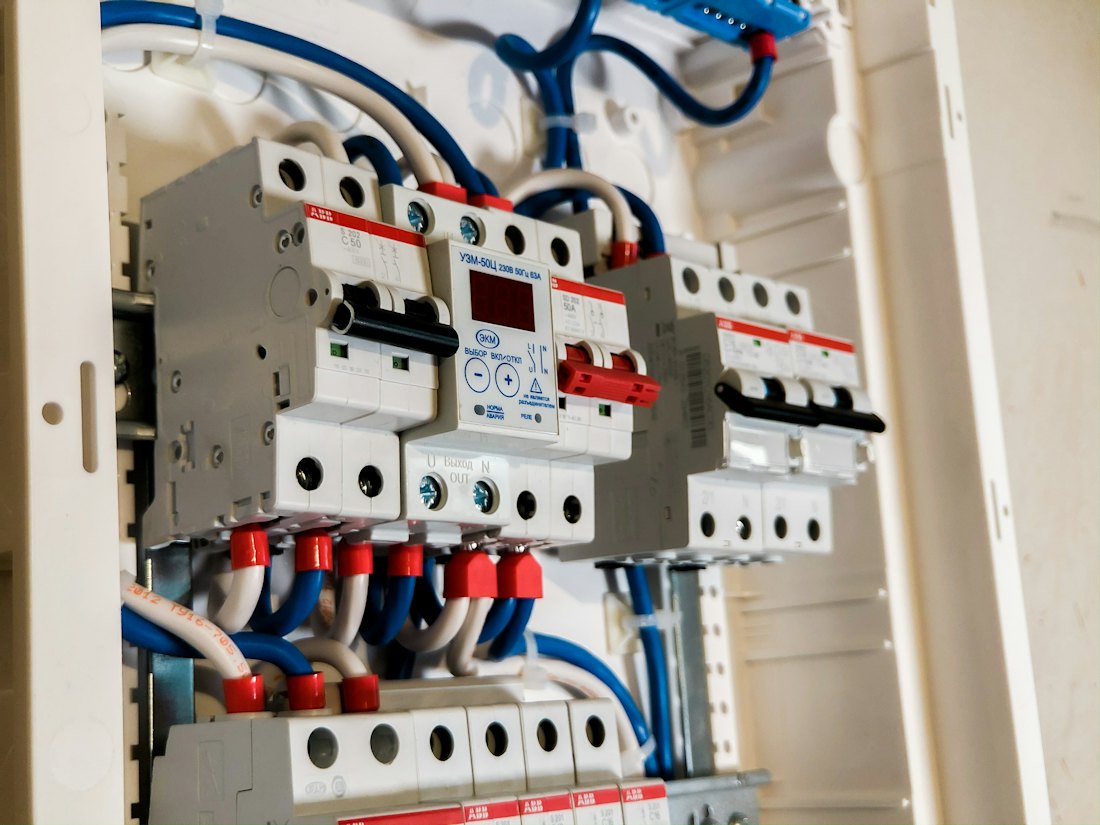
Every split system needs its own dedicated circuit from the switchboard. If you're adding a new unit, check the switchboard has room and the right protection. Older boards in homes around Warilla, Primbee and Dapto may need work first. Our switchboard services page explains what's involved.
If the air conditioner trips the power, keeps cutting out or the indoor unit's display shows error codes, it might be an electrical fault rather than an app problem. Some issues need the air conditioning technician and some need an electrician, and we'll tell you honestly which.
Combining with fans
Ceiling fans and split systems work well together. A fan helps circulate cooled air in summer and pushes warm air down in winter. Our ceiling fan installs page explains how we fit fans, including DC models that can also be controlled by app.
Let's get it connected
We set up climate control apps as part of our smart home work, so you can manage your split systems with confidence. If you're renovating, our renovation electrical work can include the circuits for new units.
Call or text Kalani on 0424 400 346. Send the model number from the side of your indoor unit and we'll check what's possible.
Reach out to us
Tell us what you need and we will get back to you quickly. If it cannot wait, call or text 0424 400 346 now.
- Phone0424 400 346
- Email[email protected]
- HoursOpen 24 hours for emergency call outs. Planned work booked at a time that suits you.